

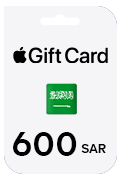
Apple Gift Cards KSA Store
Apple Giftcard SAR600- (Saudi Store Only)
600.00 SAR
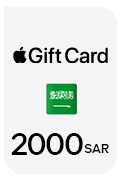
2000.00 SARVAT included
Redeem a gift card with your iPhone, iPad, iPod touch: • On your iPhone, iPad, or iPod touch, open the App Store. • At the bottom of the screen, tap Today. • At the top screen of the screen, tap the sign-in button or your photo. • Tap “Redeem Gift Card or Code”. • Tap “Use Camera” or “Enter Code”, then follow the instructions on the screen. Make sure that you enter the 16-digit code that begins with X. • Tap Done. Redeem a gift card on your computer: • On your Mac, open the App Store. • Click your name or the sign-in button in the sidebar. • Click “Redeem Gift Card”. • Click “You can also enter your code manually”, then follow the instructions on the screen. Make sure that you enter the 16-digit code that begins with X. Redeem a gift card on Web: • Go to https://appleid.apple.com/ • Click on store from above bar. • Click on Apple Gift Card. • Click on Redeem. • You will enter your code. Make sure that you enter the 16-digit code that begins with X. • Press Enter.
Apple Gift Cards KSA Store
600.00 SAR
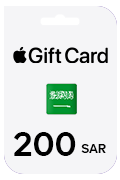
Apple Gift Cards KSA Store
200.00 SAR
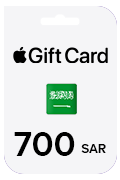
Apple Gift Cards KSA Store
700.00 SAR
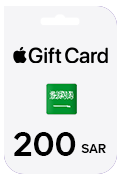
Apple Gift Cards KSA Store
200.00 SAR
Currently unavailable
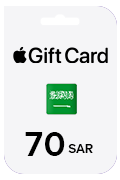
Apple Gift Cards KSA Store
70.00 SAR
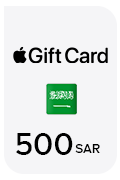
Apple Gift Cards KSA Store
500.00 SAR
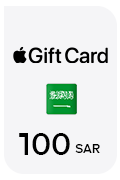
Apple Gift Cards KSA Store
100.00 SAR
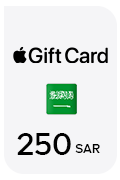
Apple Gift Cards KSA Store
250.00 SAR